Sewing With 3D Models
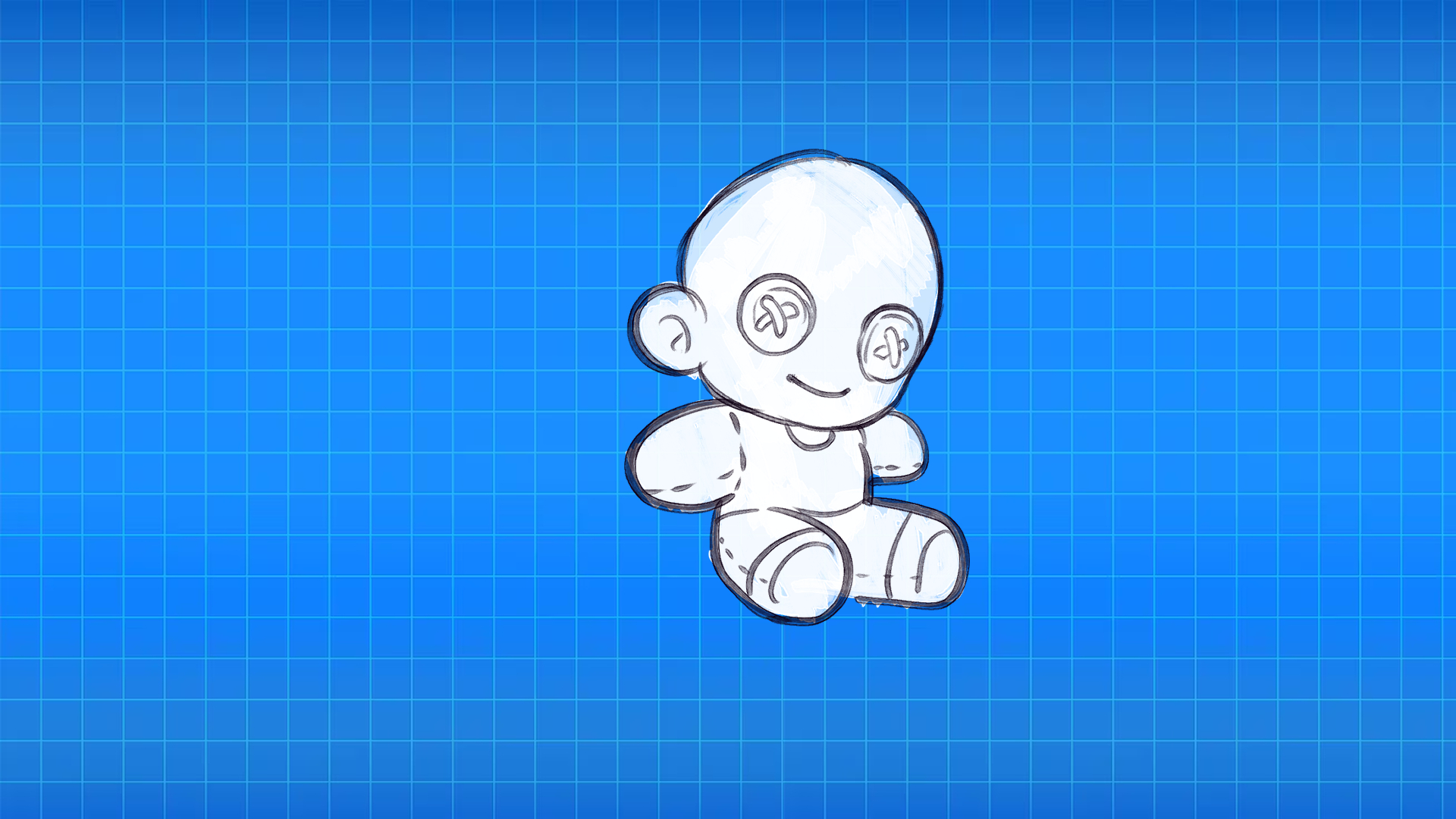
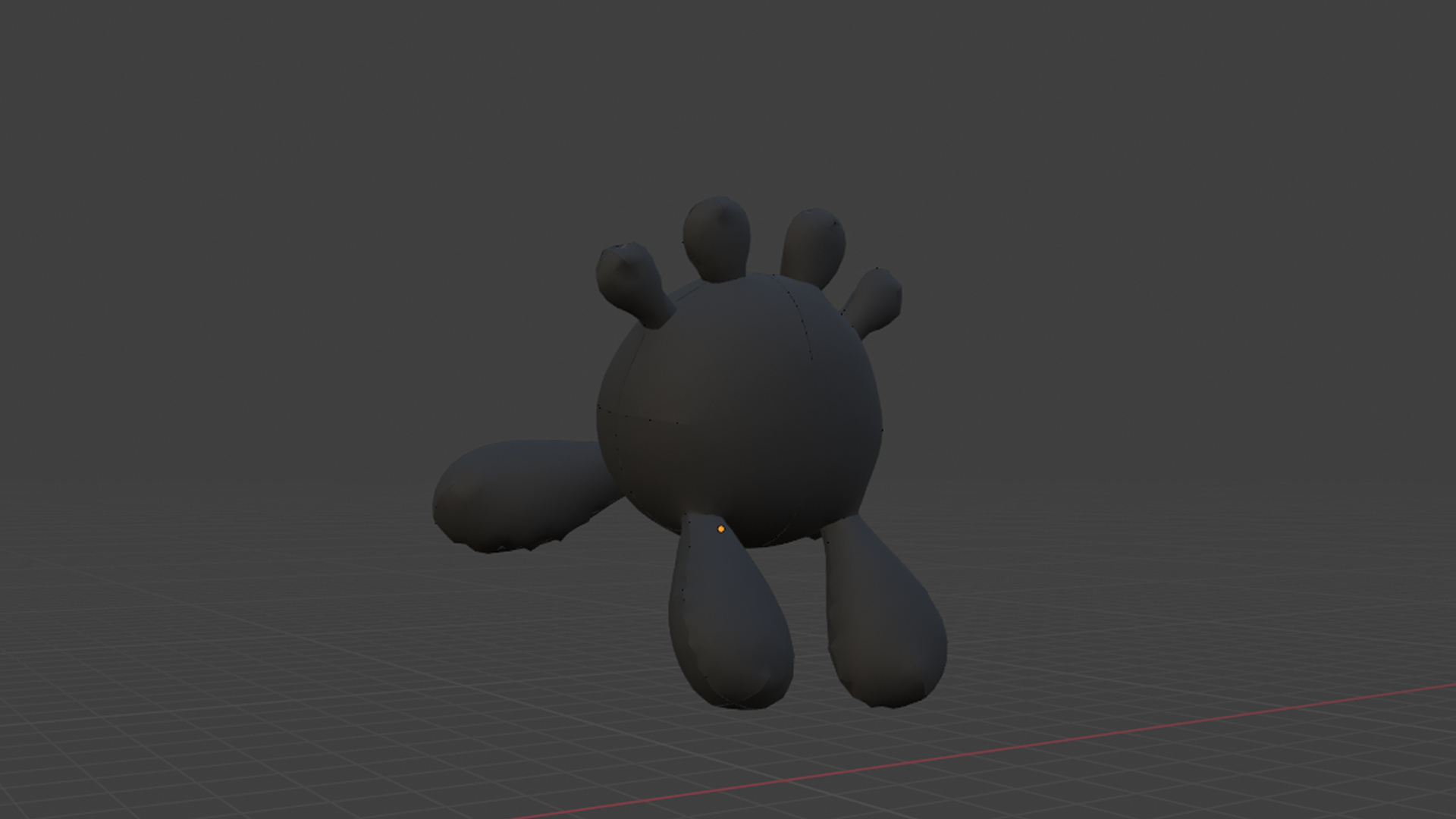
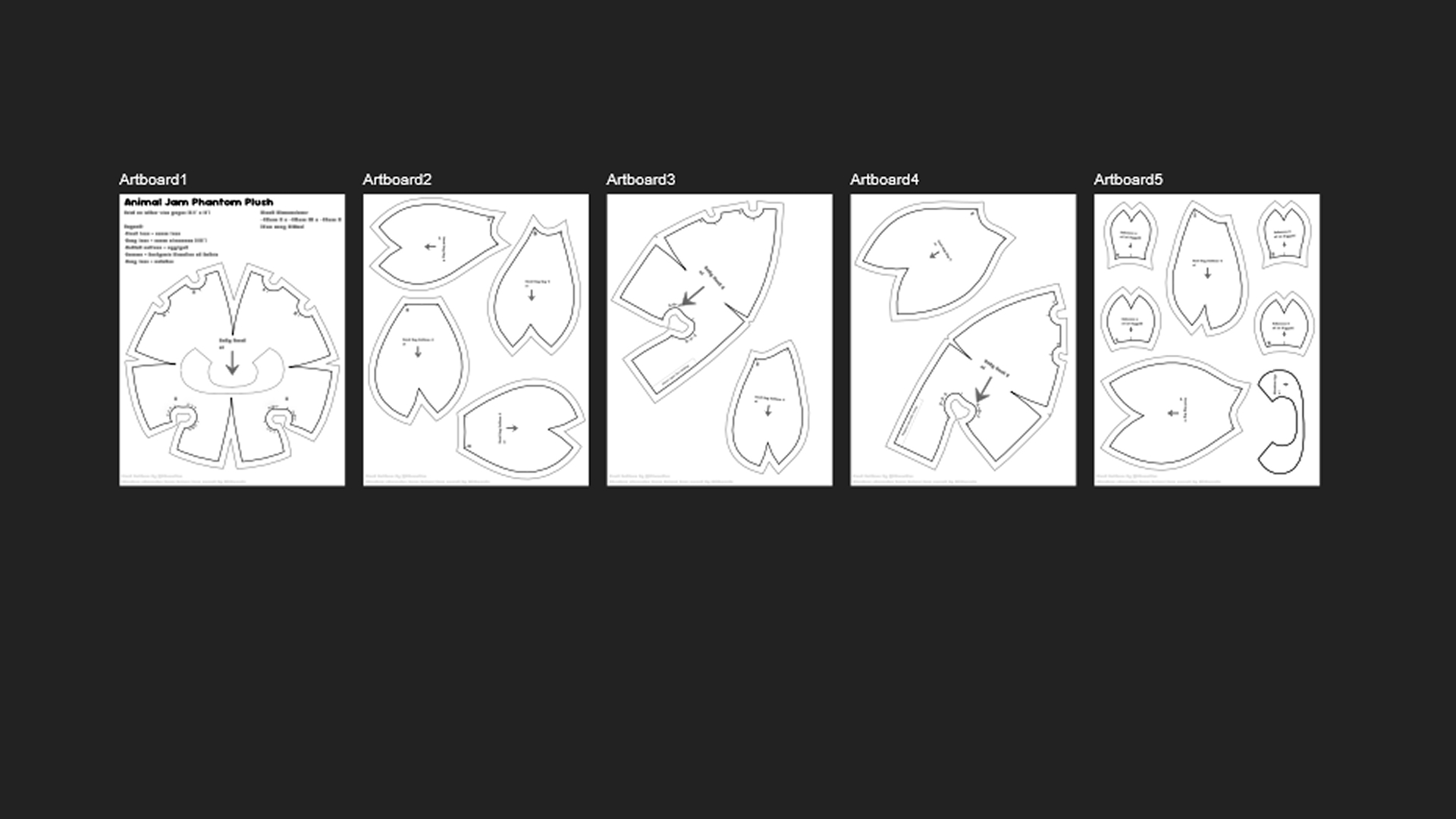
If you dabble in the realm of plush design and sewing, you often run into a constant loop of: Drawing the initial design, trying to break that design into flat 2d shapes, sewing a prototype, marking areas to change, and repeating the cycle until you are happy with your results... And then sewing your final plush.
Not only does this waste time... You also end up with lots of wasted material. If you sew plushies, you know plush fabrics are not cheap.
In the modern day, thanks to technological advancements, there are several digital tools we can use to help cut costs on supplies, and save time. This page is dedicated to informing you on how to design and make your own sewing patterns using Blender and Affinity.
Follow the pages below to learn more about this process!
What you need to get started. Including: Software, plugins, & steps before opening Blender.
Start Designing
Showing you how to model your design, seam simulations, and proper scaling before exporting.
Start Modeling
When satisfied with your design, learn how to clean up the vectors and get your pattern print ready.
Start Cleanup