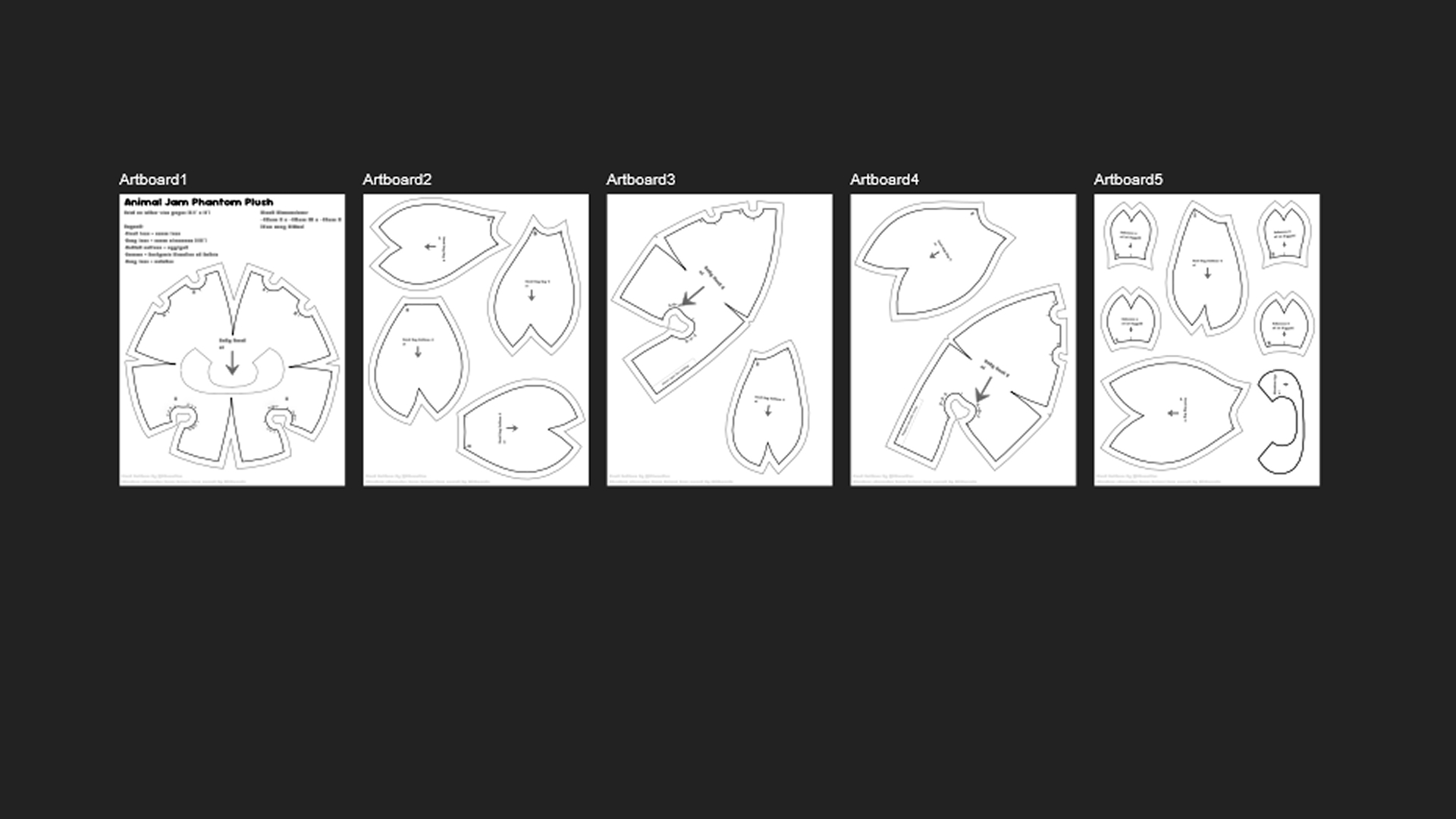
Organize your pattern pieces
Now that you have all the pieces you need, it's time to make them printable.
Save your blend file before exiting Blender.
- Make a new document the size of printer paper you use (I use letter-size, so I set my dimensions to 8.5" x 11").
- After making that document, go to File > Open > and find wherever you saved your SVG. Open it alongside your letter page.
- Going piece-by-piece, copy a pattern piece from your SVG onto your new document.

- If you need to make more than one page, click on the artboard tool (the second icon on the lefthand menu) and create a new artboard.
- If you wish to add seam allowance to your pattern, select your pattern piece and hit 'O' on your keyboard. This brings up the contour tool. Enter in how many inches of seam allowance you want, and hit enter.
- Once complete, you can use the text tool to add labels to your pieces if you want, or other written instructions before exporting as a PDF.

- After you paste all your pattern pieces, you are ready to print it out and start sewing!